The TTS Chronicles: Making Arabic Audio Work in Haki
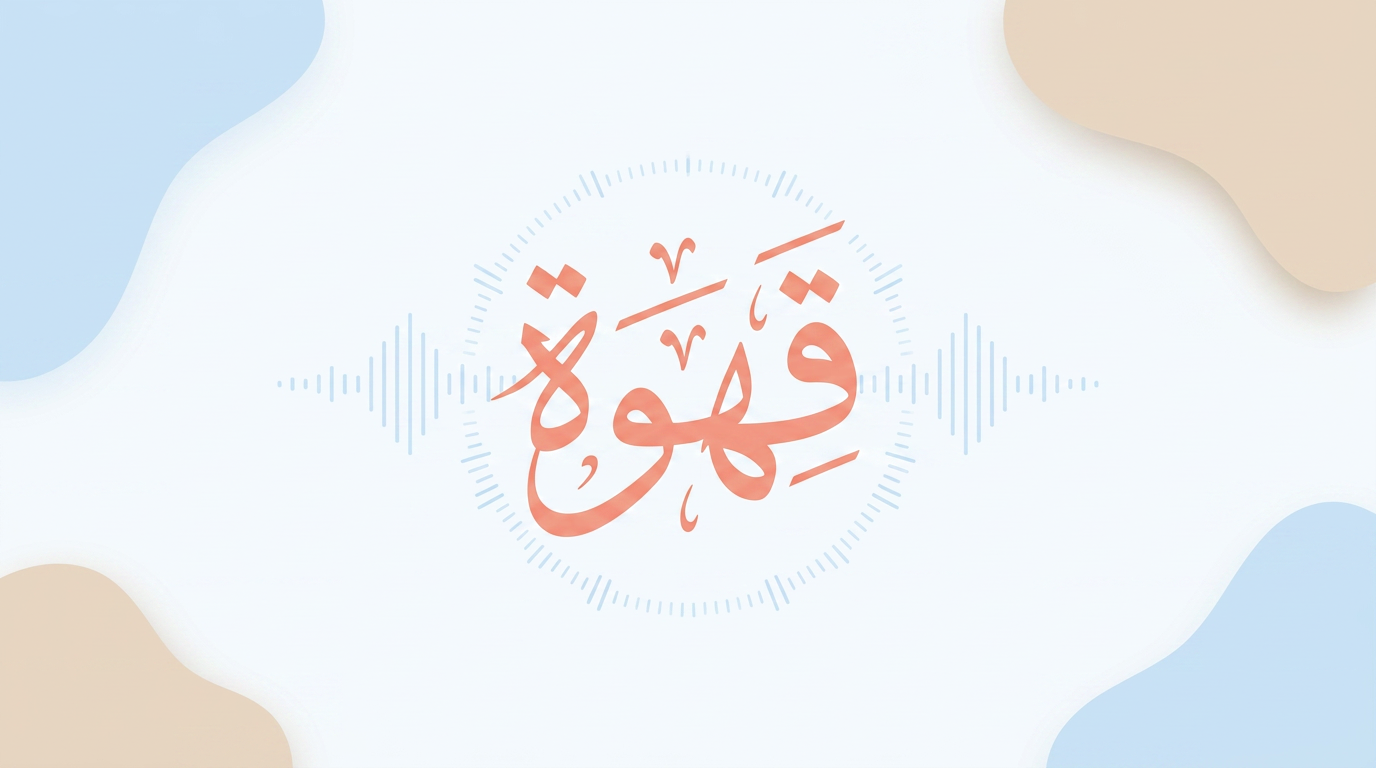
How does one order coffee in Levantine Arabic? It turns out the answer is not as simple as it seems. This is the story about how I made Arabic audio work in Haki, the challenges I faced, and why it is still not perfect.
When I first added pronunciation audio to Haki, I did the obvious thing:
window.speechSynthesis.speak(new SpeechSynthesisUtterance(arabicText));There is a browser API for text-to-speech. The app had Arabic text. So, in theory, this should have been a small feature.
It was not a small feature.
The First Version
The initial version of Haki was a fairly simple React SRS flashcard app for Levantine Arabic. The audio hook already handled sound effects: an ascending tone for correct answers, a buzz for wrong answers. Pronunciation seemed like the next obvious thing to add.
The first version was basically this:
const utterance = new SpeechSynthesisUtterance(text);
utterance.lang = 'ar-JO';
utterance.rate = 0.8;
window.speechSynthesis.speak(utterance);
It produced Arabic audio, but not the Arabic I needed. It sounded formal, robotic, and immediately wrong for Levantine speech.
That matters a lot because there is no single way that native Jordanians, Palestinians, or Israeli Arabs speak Arabic. There are several broad speech profiles: urban Palestinian/Jordanian speech, rural Palestinian speech, Bedouin Jordanian speech, and plenty of local variation inside each one. They overlap, of course, but they are not the same.
MSA is something else entirely. It is the formal Arabic of writing, news, official speeches, religious lectures, and school. Everyone recognizes it, but it is not how most people talk to their mother, order coffee, argue with a taxi driver, or joke with a friend.
Haki is trying to teach spoken Levantine Arabic. More specifically, it mostly targets an urban Palestinian/Jordanian style, with a Bedouin option for some cards. So if the app says a word in MSA, it is not just a little formal. It can be the wrong pronunciation for the thing the app is supposed to teach.
The first obvious problem was the letter ق.
The Qaf Problem
In MSA, ق is pronounced as a deep q sound. In the urban dialect Haki targets, it is often pronounced as a glottal stop, like the break in “uh-oh.” In many Bedouin varieties, it becomes a hard g.
So قهوة is not just one word with one pronunciation. Depending on the dialect, it can come out closer to qahwa, ahwa, or gahwa.
The first fix was crude but useful: preprocess the Arabic before sending it to the browser’s TTS engine.
if (dialect === 'urban') {
  processedText = processedText.replace(/ق/g, 'ء');
} else if (dialect === 'bedouin') {
  processedText = processedText.replace(/ق/g, 'گ');
}
I also replaced ta marbuta in some cases so the browser would stop pronouncing it as a hard t at the end of words. None of this is elegant, but it is the kind of hack you reach for when the underlying engine does not support the thing you actually need.
Pretty quickly, this turned into a small pile of special cases. قهوة needed its own override. Some words needed vowel hints. Some needed diacritics removed. Some needed diacritics added. The function that started as “play this word” became a negotiation with the speech engine.
That was the point where it became clear that browser TTS was not going to be enough.
Generating the Audio
The next idea was simple: instead of asking the browser to pronounce Arabic on the fly, generate the audio ahead of time.
Not record it by hand. Generate it offline, using better TTS engines, and ship MP3 files with the app.
That is how the scripts/ directory started accumulating files like this:
generate-audio.jsgenerate-ipa-fields.jsgenerate-ipa-v3.jsdebug_audio.jsdebug_audio_v2.jstest-translit-tts.js
Some of these used AWS Polly. Some tested Google Cloud Wavenet. Some tried IPA. Some used X-SAMPA. Some existed only because the previous script got close but not close enough.
The basic strategy became:
- Generate MP3s for the curriculum.
- Store them in
public/audio/. - Use the generated file when it exists.
- Fall back to browser TTS only when there is no audio file.
The branch was called ipa-based-tts, which sounds cleaner than the process actually was. It merged on February 19.
b6b08b5 Merge pull request #1 from DewofyourYouth/ipa-based-ttsAt that point, the app had separate audio for urban and Bedouin variants, with Bedouin files using a _bedouin suffix. The diff was large because every vocabulary card that needed audio now had an actual MP3 behind it.
The Bedouin Round
Pre-generated audio fixes one problem and creates another: if you generate the wrong pronunciation, now the wrong pronunciation is saved forever as an MP3.
That happened with some of the Bedouin audio. Words with ق were not consistently getting the hard g pronunciation. The result depended on which script had generated the file and what intermediate representation it used.
So more scripts appeared:
apply-bedouin-q-to-g.jsapply-urban-q-to-hamza.jsapply-global-sukoon.jsapply-bedouin-egyptian-fix.jsrevert-egyptian-hack.js
The last two names basically tell the story. The idea was to use Egyptian-style ج as a way to force the TTS engine toward the Bedouin ق-as-g sound. It helped some things and broke others, so it got reverted.
By February 23, the app had updated Bedouin audio across the curriculum and a set of transliteration test files. public/audio/ had grown to 905 MP3 files across greetings, food, family, verbs, weather, directions, idioms, household items, and other categories.
This is the part of the project where the file tree becomes a history of what did not quite work.
What Happens Now
Today, when you tap the speaker icon in Haki, the app does roughly this:
playPronunciation(text, audioData)is called.- The app checks the selected dialect: urban or Bedouin.
- If there is a matching pre-generated audio file, it plays that file.
- For Bedouin, it tries
audioData.audio_bedouinfirst and falls back toaudioData.audio. - For urban, it uses
audioData.audio. - The audio URL gets a cache-busting version parameter.
- If there is no audio file, the app falls back to browser TTS with the old preprocessing hacks.
The hook is now much larger than it was at the beginning. It started as a small audio helper and became a dialect-aware playback layer with fallbacks.
There is also still a debug log in there:
console.log('[TTS] Input: ...')That has been there since February 11. I would like to say it is unnecessary now, but that would not be true.
There is also this comment in the hook:
// Handle string (legacy/simple) vs object (future proofing if passed entire card)
// Actually, callers pass `cardData.audio`.
// But we need to know about `audio_bedouin`.
// So callers should probably pass the WHOLE card or both paths.
// Let's assume callers pass the `cardData` object, or we change the signature.
// To minimize refactoring, let's keep `text` as first arg...
That is not beautiful architecture. It is a record of a real feature being pushed forward while the data model was still catching up.
What the Scripts Tell Me
The scripts directory is probably the most honest record of this whole process. You do not write debug_audio_v2.js because everything went smoothly. You do not write revert-egyptian-hack.js unless the Egyptian hack made sense for at least a few minutes.
Arabic TTS is hard in general. Dialect Arabic TTS is harder. The major cloud voices are mostly trained around MSA or broader regional standards, not the exact Levantine pronunciations I want in the app. Bedouin pronunciation adds another layer.
The writing system also does not help. Arabic is usually written without short vowels, but TTS needs to know the vowels. Humans infer them from context. TTS engines guess, and their guesses are not always good.
So the current system is a compromise:
- 905 generated MP3 files
- separate urban and Bedouin variants where needed
- a playback hook that prefers real files
- browser TTS as a fallback
- a growing set of scripts for fixing whatever the last round got wrong
It is much better than where it started. It is still not where I want it to be.
A quick aside
Enjoying this post?
Come along on WhatsApp or Telegram — new posts, reflections, and the occasional spiral.
The Audio Is Still Not Great
After all that, I still do not think the TTS is good enough to rely on as a pronunciation teacher.
Some words sound right. The urban ahwa sounds like ahwa, and the Bedouin gahwa sounds like gahwa. A lot of the basic vocabulary is useful. The app is much better with audio than without it.
But it is still inconsistent. Some words are mispronounced. Some audio sounds too formal. Some of it does not sound like a natural Levantine speaker. That is especially frustrating in a language-learning app, where bad audio can teach the wrong thing with confidence.
So for now, I think of the audio as a helpful support, not an authority. Use it to jog your memory. Use it to connect the written word to a sound. But do not treat it as a replacement for listening to real speakers.
What Comes Next
The pre-generated approach does not scale cleanly. Every new card needs audio generated, checked, committed, and deployed. The curriculum is growing, and the audio directory is already a real part of the app bundle.
At some point I probably need a better pipeline: either on-demand generation with caching, a proper CDN setup, or a more serious look at native device TTS. Apple’s Arabic voices have gotten better, and it may be worth testing what AVSpeechSynthesizer can do now.
For the moment, the system works well enough to keep improving it. The next version will probably have more generated files, fewer fallback cases, and another cache-busting parameter.
That is the current state of TTS in Haki. It works. It is not magic. It took a surprising amount of work to make the coffee sound like coffee.
Haki is a Levantine Arabic learning app built for people who want to actually speak the language. It’s on the App Store.